

We’ve all been there. You see a beautifully designed flyer on a notice board or a banner at an event. You are interested. You want to buy the ticket, vote for the contestant, or pay the dues.
But then you look at the bottom of the flyer and see a long, complicated link: paydues.ng/event/2026-dinner-association-part-2.
You try to type it into your browser, miss a hyphen, get an error page, and eventually, you just give up. That is a lost sale. That is a lost vote. That is friction.
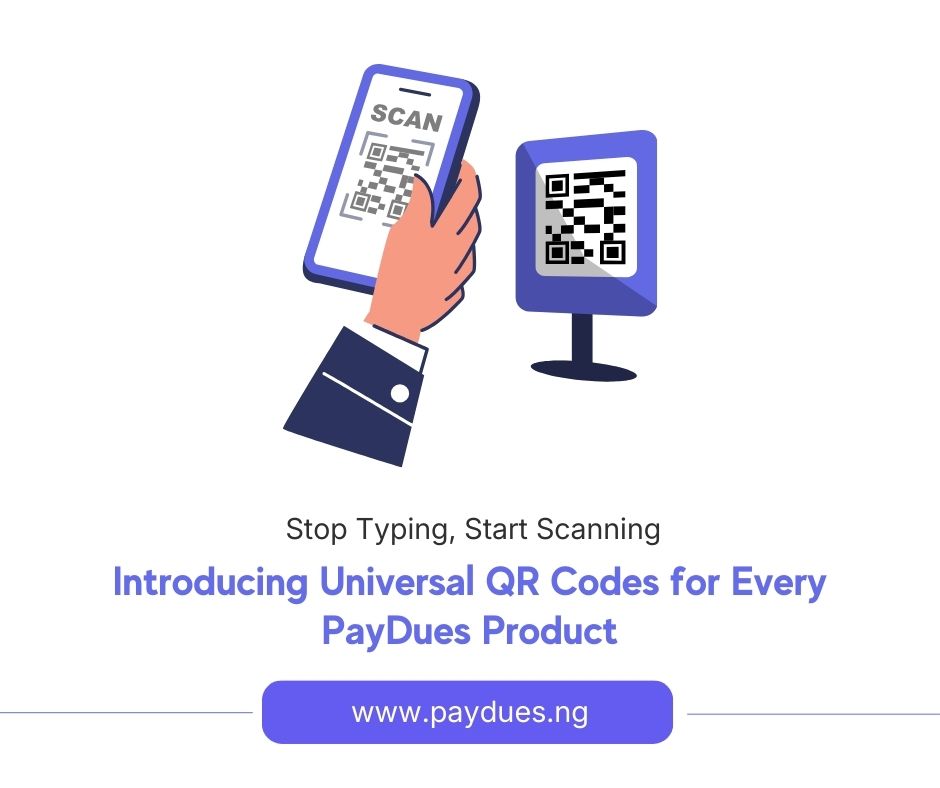
At PayDues, our goal for 2026 is to help you process transactions faster and easier than ever before. That is why we are thrilled to announce the launch of Universal QR Codes.
Starting today, every single product on PayDues—Event Tickets, Voting Campaigns, and Payment Links—comes with its own dedicated, high-resolution QR code, instantly generated and ready to download.
Here is a deep dive into how this changes the game for your campaigns and events.
The “Scan-to-Pay” Revolution
Why does this matter? Because the gap between the “physical world” (your printed flyers, banners, stickers) and the “digital world” (your payment page) is usually where you lose customers.
By adding a QR code to your physical marketing materials, you remove the need for typing. You reduce the time-to-payment from 2 minutes to 10 seconds.
Here is how you can use this feature across our different products:
1. For Event Organizers: The “Instant Ticket”
If you are hosting a departmental dinner, a campus concert, or a masterclass, your biggest marketing asset is usually your physical presence on campus or at venues.
How to use it:
- The “Lobby” Banner: Place a roll-up banner at the entrance of your venue or department. Instead of just writing “Tickets Available Online,” put a massive QR code that says “Scan to Buy Ticket Now.” Students walking by can scan it and buy a ticket before they even finish walking down the hall.
- Gate Management: On the day of the event, you will always have last-minute attendees. Don’t make them struggle with links. Tape the QR code to the front desk. They scan, pay, get their digital ticket, and walk in.
2. For Student Excos & Pageants: Winning the Vote
In voting competitions, speed is everything. You need to capture the voter’s attention immediately. If a supporter has to search for a link, they might get distracted and forget to vote.
How to use it:
- Campaign Tags: Print your Voting Link QR code on small tags or stickers and stick them on your campaign shirt or lapel. When you are campaigning room-to-room or meeting students, you can say, “Support me right now,” point to your tag, and let them scan and vote instantly.
- Handbills & Flyers: Stop filling your campaign flyers with long text. A bold picture of you + A clear QR Code = A vote in the bank.
3. For Merchants & Treasurers: Frictionless Payments
Whether you are collecting association dues, selling merch, or gathering donations, the Payment Link QR code is your new best friend.
How to use it:
- In-Meeting Collections: If you are in a general meeting and asking people to pay dues, don’t just shout out a website address. Project the QR code on the screen. Members can pay from their seats without needing to copy/paste links from WhatsApp groups.
How to Get Your QR Code (It’s Already There!)
We didn’t want to make you wait or jump through hoops. We have integrated this directly into your existing dashboard.
- Log in to your PayDues Dashboard.
- Navigate to your active product (e.g., Events, Voting, or Payment Links).
- Click on the specific campaign or link you want to share.
- Look for the QR Code icon or button in the management header.
- Click Download.
You will get a high-quality image file that you can send directly to your graphic designer or add to your Banner image designs.
Design Tips for Success
To make the most of this feature, keep these tips in mind when designing your flyers:
- Size Matters: Don’t make the QR code too small. Give it space so cameras can pick it up easily.
- Call to Action: Put a short instruction next to the code, like “Scan here to Pay” or “Scan to Vote.”
- Contrast: Ensure the QR code is placed on a background that doesn’t clash. The standard black-and-white code works best on light backgrounds.
Ready to Streamline Your Sales?
This feature is live right now. Log in to your dashboard, download your codes, and start bridging the gap between your physical marketing and your digital success.